Tools Application
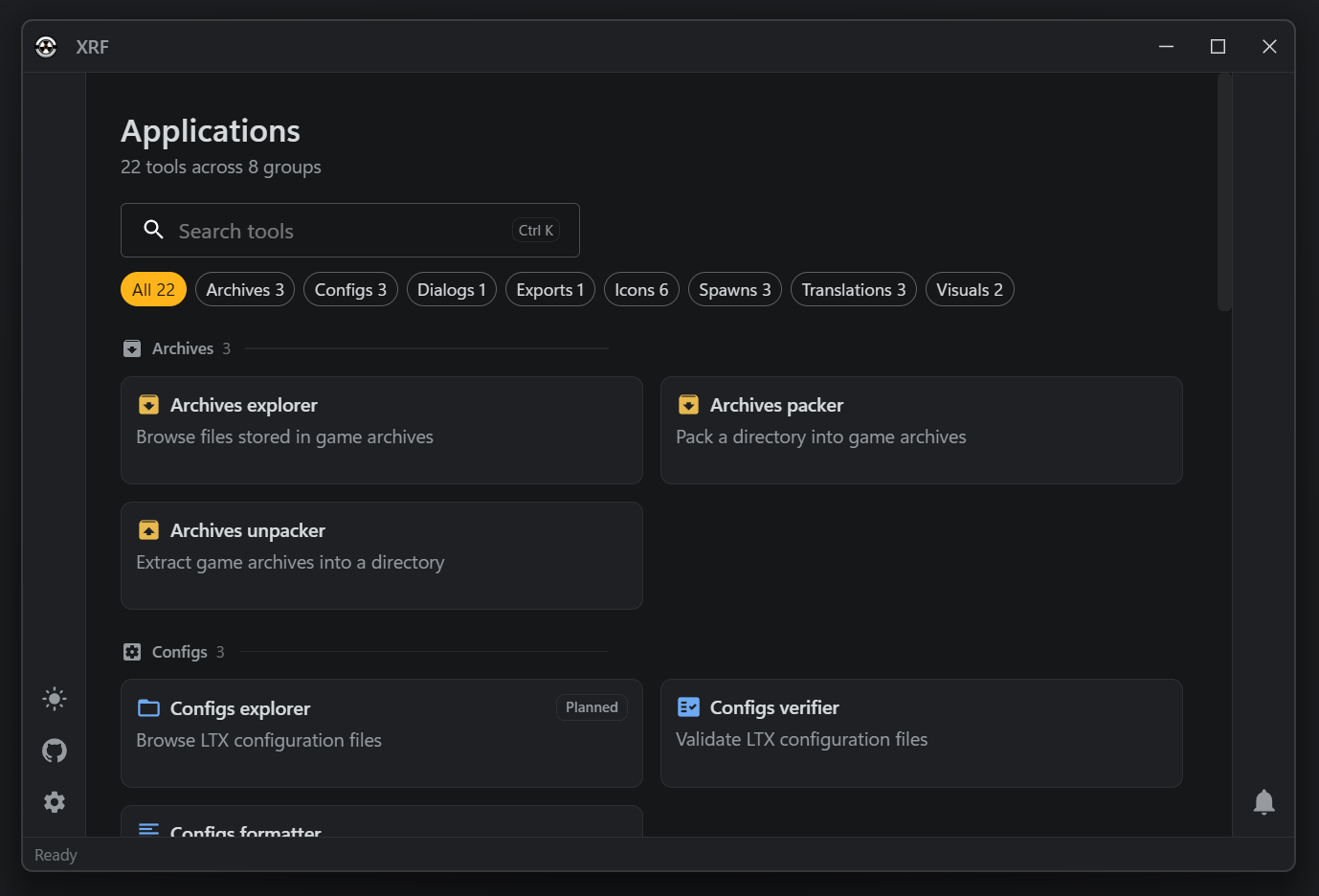
The XRF tools application is a Tauri desktop app with a Rust backend and a React UI. Use it for interactive inspection and one-off data operations; use the Tools CLI when the task must be repeatable, scripted, or run in CI.
It groups its work into editors for archives, configs, dialogs, script exports, equipment icons, spawns, and translations. Which screens and actions each one currently offers changes with the application, so the application is the authority on that, not this book. Some routes are read-only or prototype workflows, and several write files — packing, unpacking, formatting, and saving spawn data all overwrite their targets.
Keep a backup before writing over game data.
Source
xrf-tools/bin/xrf-app: Tauri backend plugins and commands;xrf-tools/bin/xrf-app/ui: React routes, pages, stores, and components;xrf-tools/crates/*: reusable parsers, verifiers, packers, and project readers.